

Picking the right fonts for Cricut shirts saves you more time than any other step in the process. A font that looks great on screen can turn into a weeding nightmare on heat transfer vinyl: thin strokes tear, tiny counters get lost, and loose script letters fall off the carrier sheet. This guide lists 20 t-shirt fonts for Cricut that cut cleanly and press well, and it puts the ones that are free for commercial use first, because so many crafters sell what they make. You will also find a quick checklist for judging any font, install steps for Cricut Design Space, and shirt ideas matched to each style.
What makes a good Cricut shirt font
The best cricut shirt fonts share a few traits. First, stroke thickness: every part of every letter should be thick enough to peel and weed without tearing. Bold, chunky, and rounded fonts are the easiest; thin serifs and hairline scripts are the hardest.
Second, letter height. On HTV, aim for at least 0.75 inches for bold sans fonts and 1.25 inches or more for thinner scripts or condensed styles. If a font has thin parts, make it bigger rather than skipping it.
Third, connected scripts need Weld. In Design Space, script letters are separate shapes that overlap. Without Weld, the machine cuts every overlap and the word falls apart.
Fourth, avoid tiny counters, the closed spaces inside letters like a, e, and o. Wide, open shapes weed faster. Finally, think about layering: bold fonts make solid base layers, and you can add an offset shadow in a second color.
Free for commercial use: why it matters
If you sell shirts on Etsy, at craft fairs, or to friends, the font on the shirt needs a license that allows commercial use. Many free fonts are free for personal use only, and selling products made with them breaks the license. In this list, fonts marked Free for commercial use are open-source fonts released under the SIL Open Font License or the Apache License, so you can sell shirts made with them. What you can’t do is resell or give away the font files themselves as your own product. For any font marked personal use, open the font page and check the license, or buy a commercial license before selling.
20 Best Fonts for Cricut Shirts
These are our top fonts for Cricut shirts. The first 14 below are free for commercial use. The last six are bold display and script fonts from our library that cut very well; check each license before selling.
1. Bungee
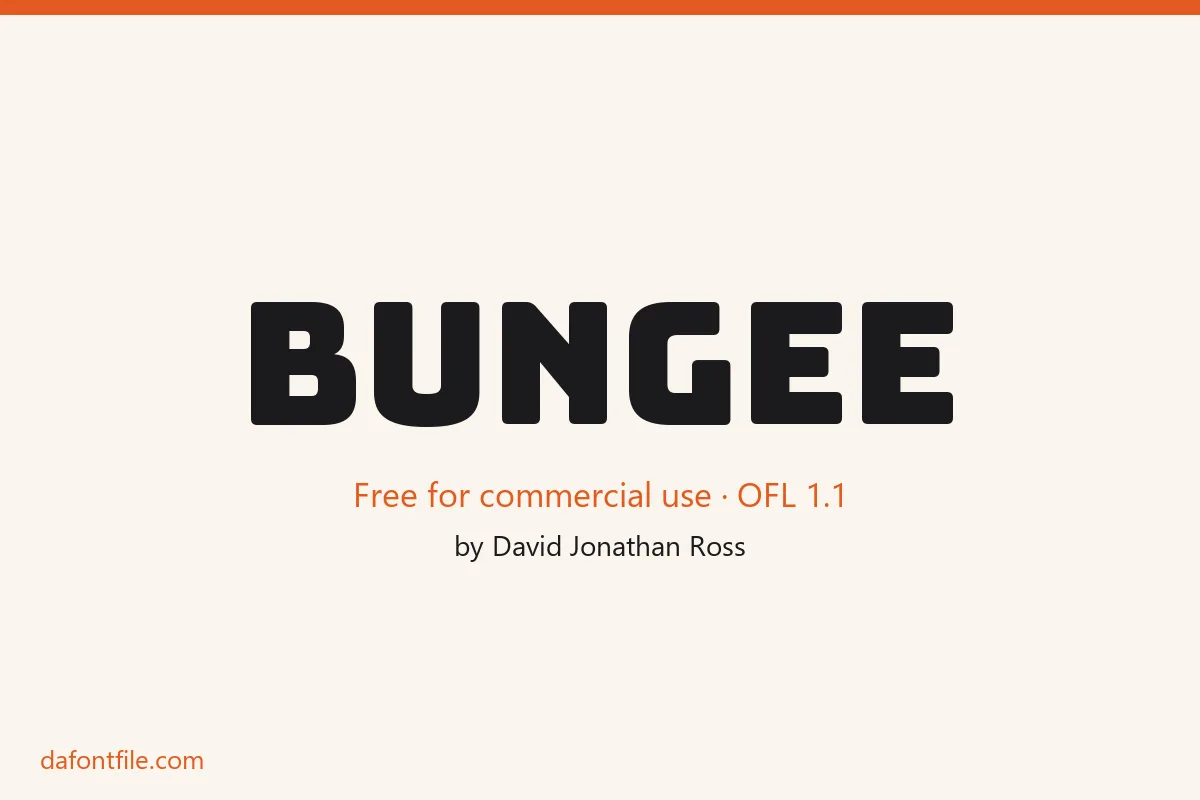
Bungee is a blocky, all-caps display face with squared-off curves and very even stroke weight. There are no thin joins, so it cuts crisply and lifts off the carrier in one piece. Among fonts for Cricut shirts, it is ideal for short, loud words like a team name, a jersey number, or “SQUAD” across the chest of a youth sports tee.
License: Free for commercial use | View Bungee
2. Black Ops One
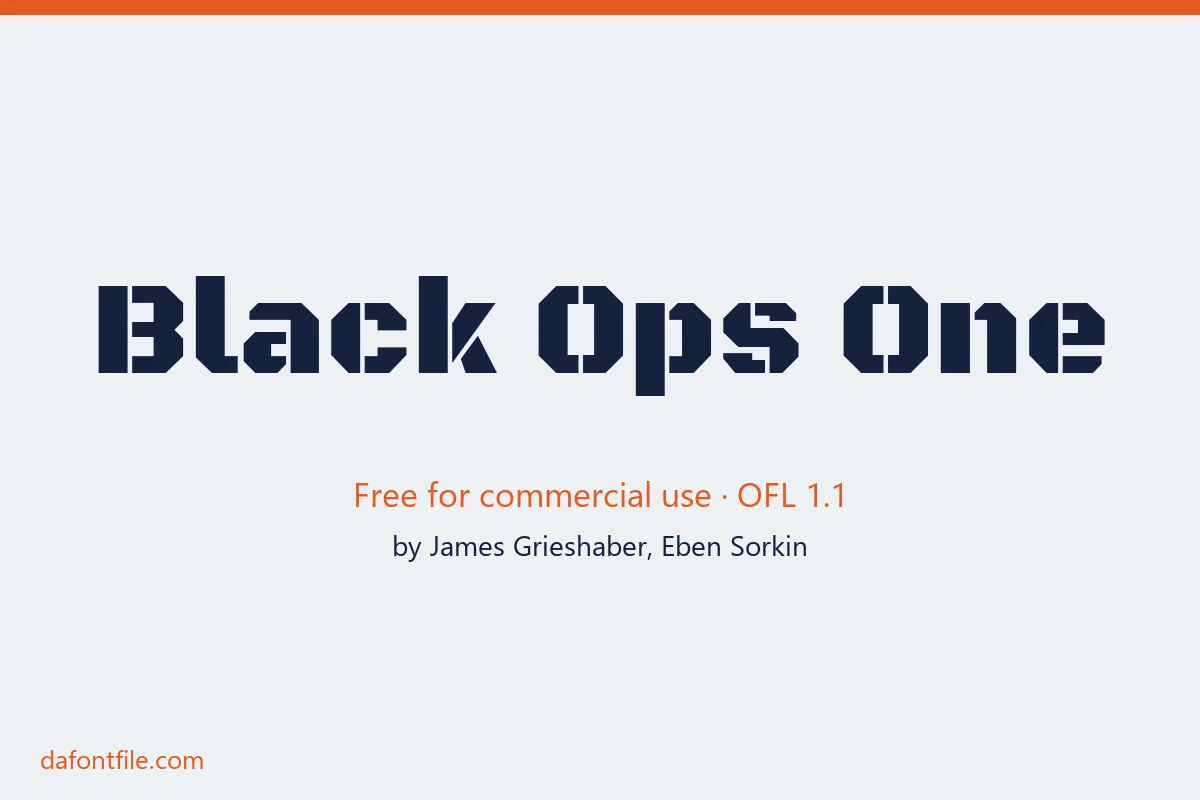
Black Ops One has a stencil-cut, military look with heavy strokes and small breaks inside the letters. Those breaks are wide enough to weed easily, and they add texture without extra layers. It is a strong pick for gym tees, camo-themed birthdays, or a “Daddy’s Training Crew” design.
License: Free for commercial use | View Black Ops One
3. Righteous
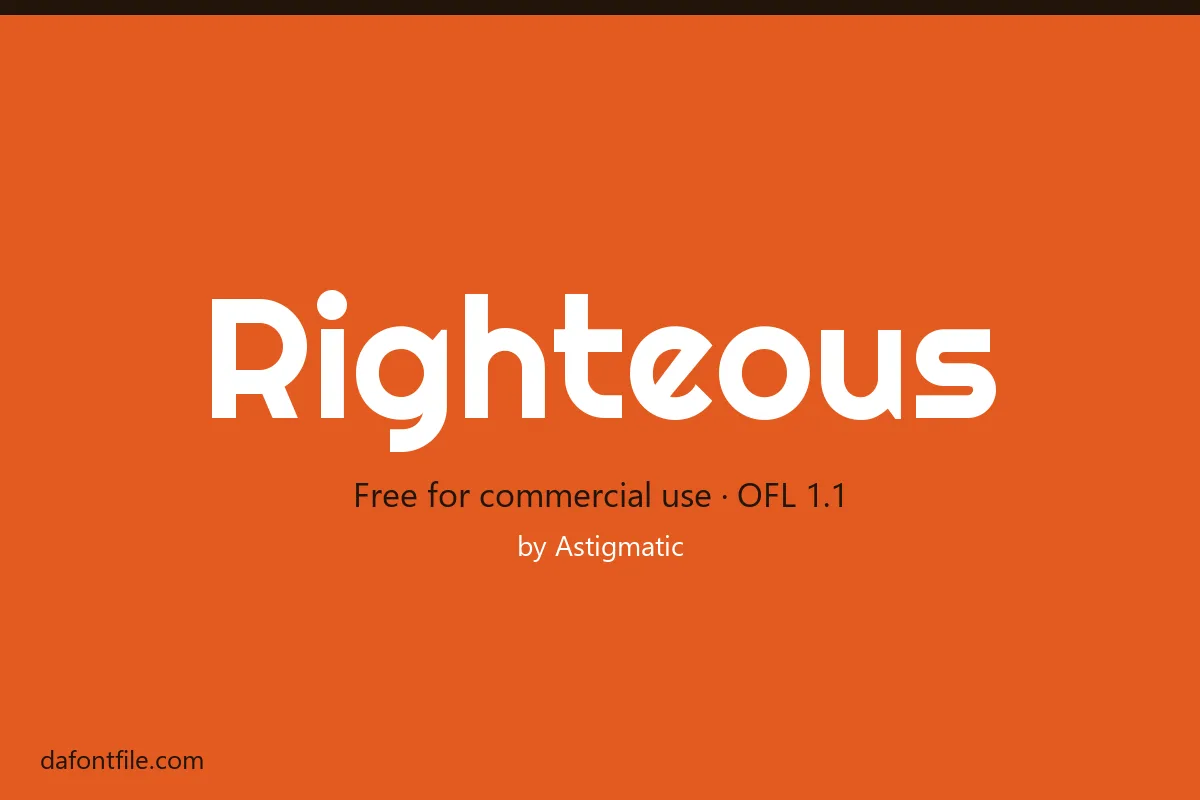
Righteous is a rounded, retro display font with a groovy 70s feel and generous counters. The open shapes mean you won’t be picking tiny centers out of every “a” and “e”. It pairs nicely with sunset graphics on vintage-style tees, road-trip shirts, and family vacation sets.
License: Free for commercial use | View Righteous
4. Lilita One
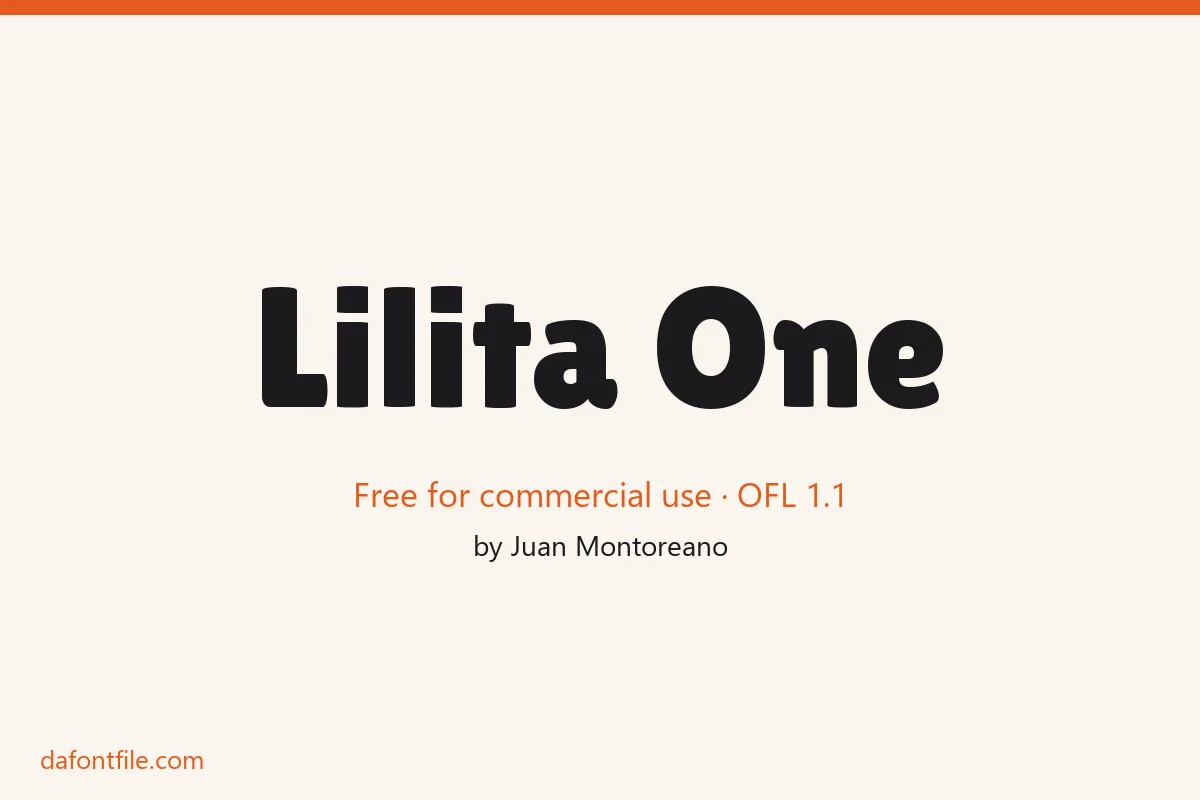
Lilita One is a chunky, slightly rounded display font that stays friendly even in all caps. Thick, even strokes make it one of the most forgiving fonts for Cricut shirts, especially on glitter HTV, which is thicker and harder to weed. Try it on kids’ birthday shirts and class field-day tees.
License: Free for commercial use | View Lilita One
5. Alfa Slab One
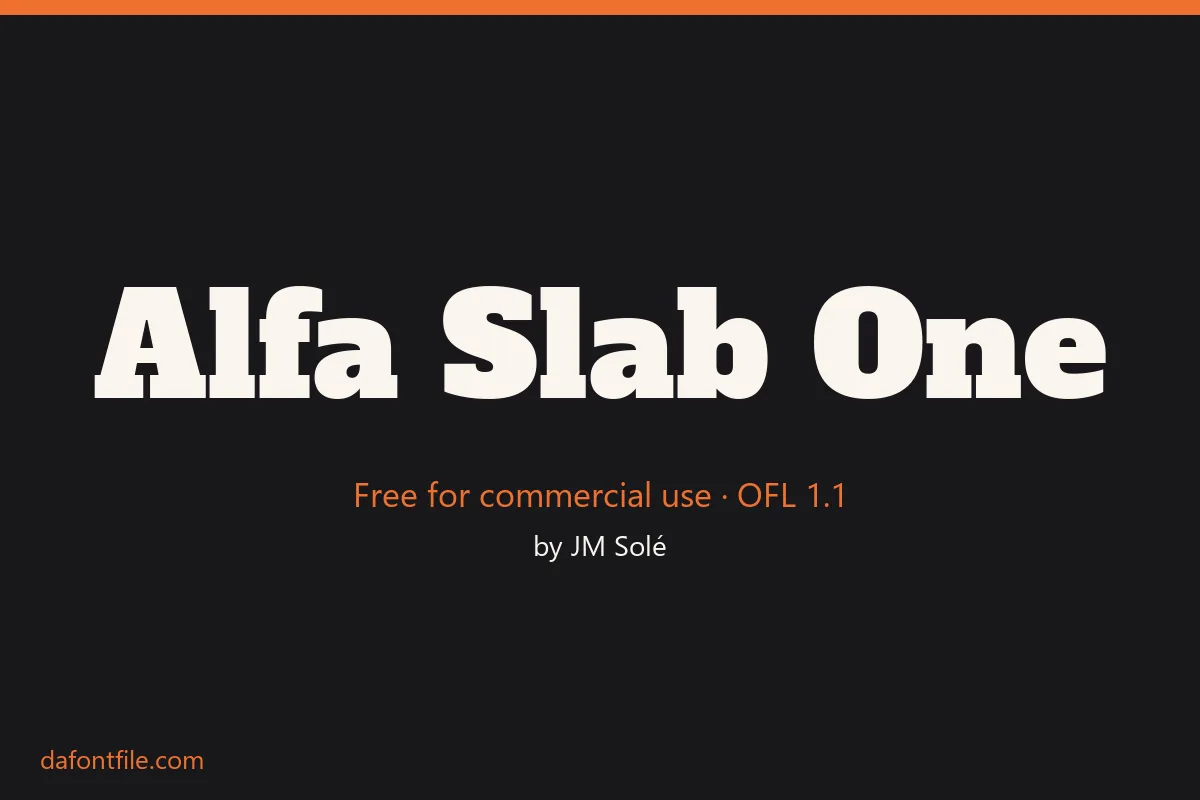
Alfa Slab One is a heavy slab serif with big, square serifs that hold up well when cut. Of all the slab fonts for Cricut shirts, it gives the classic varsity and college look without needing an outline layer. Set a school name or a graduation year in it, then add a simple underline for a clean collegiate shirt.
License: Free for commercial use | View Alfa Slab One
6. Baloo 2

Baloo 2 is a rounded sans family with several weights; use ExtraBold for vinyl. The soft terminals and wide letters weed cleanly even at smaller sizes, which helps with longer phrases. It works well for teacher shirts, preschool tees, and anything that needs to look warm rather than sporty.
License: Free for commercial use | View Baloo 2
7. Oswald
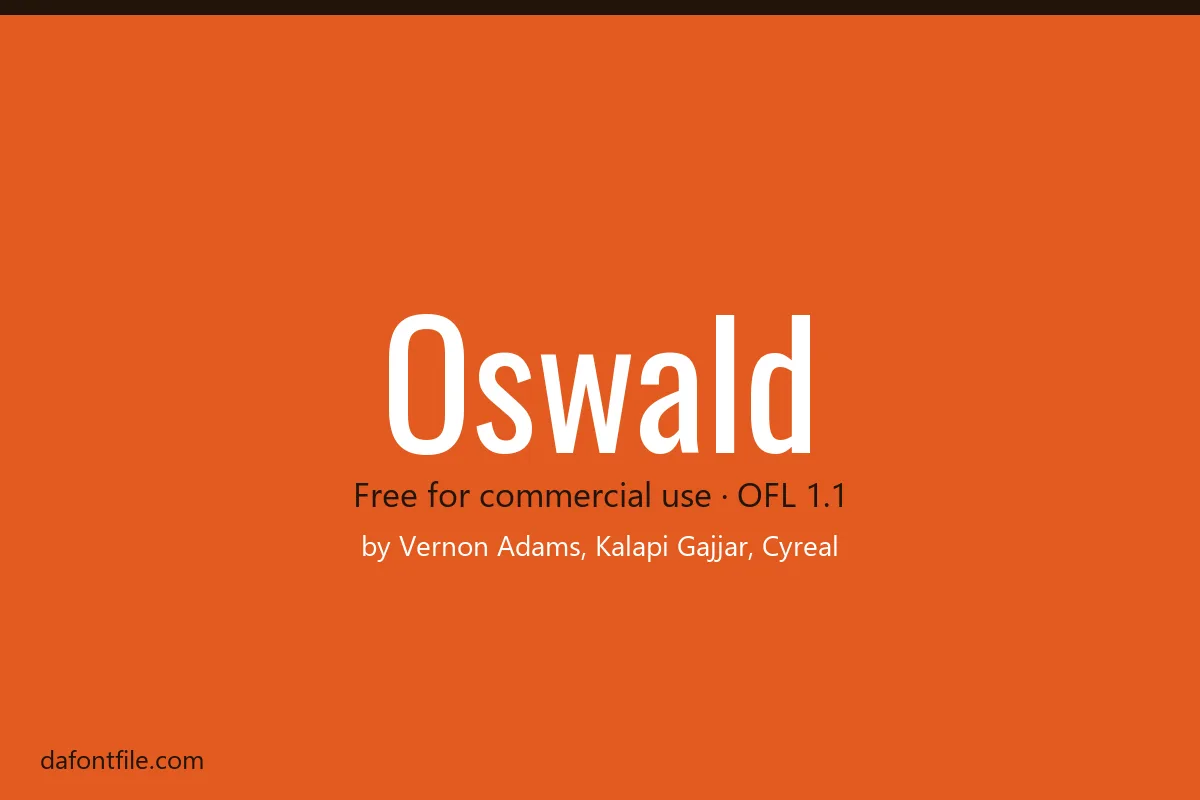
Oswald is a condensed sans serif, so you can fit longer words across a chest or down a sleeve. Choose the Bold weight for HTV; the lighter weights get thin fast. It is one of the most practical fonts for Cricut shirts with long text, like family reunion shirts with a surname plus a year, or stacked text on running and gym tees.
License: Free for commercial use | View Oswald
8. Poppins
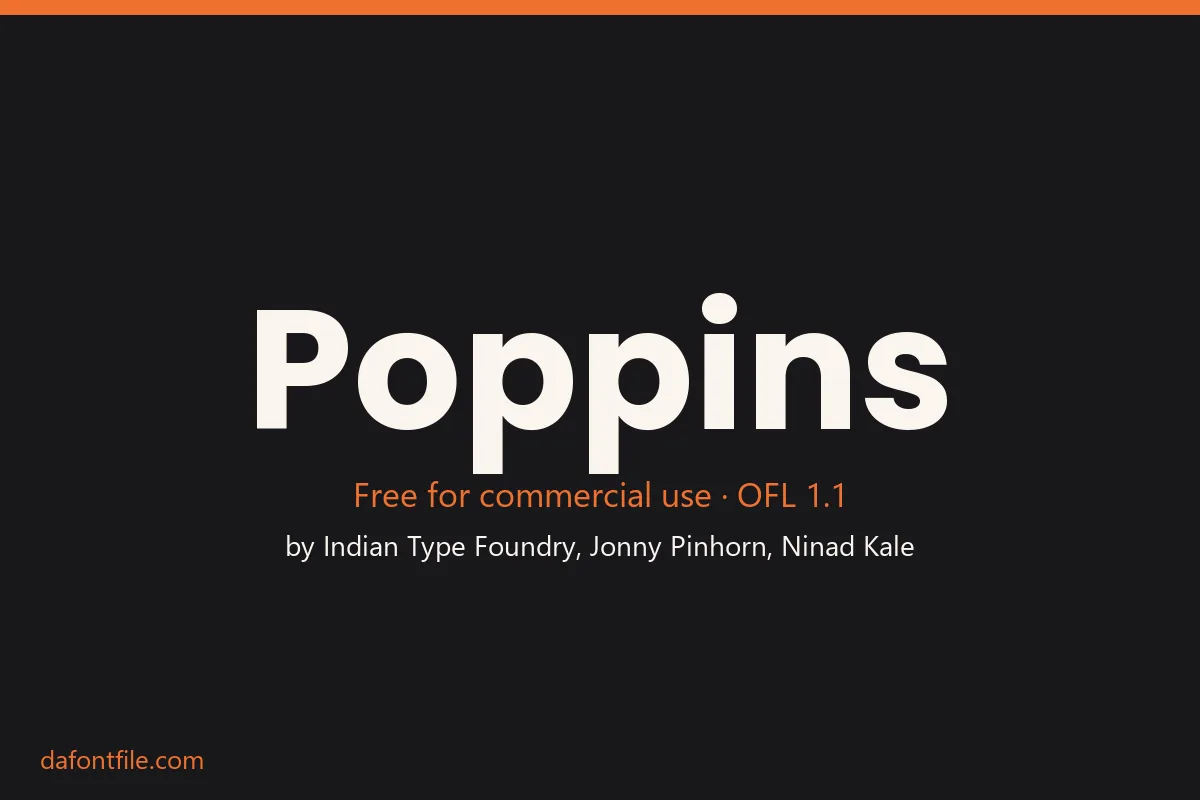
Poppins is a geometric sans family with weights from thin to black. For shirts, stick to Bold or heavier, where the round letters stay sturdy and easy to weed. It is a clean, modern choice for small-business merch, minimalist “mama” shirts, and pocket-size logos on the left chest.
License: Free for commercial use | View Poppins
9. Permanent Marker
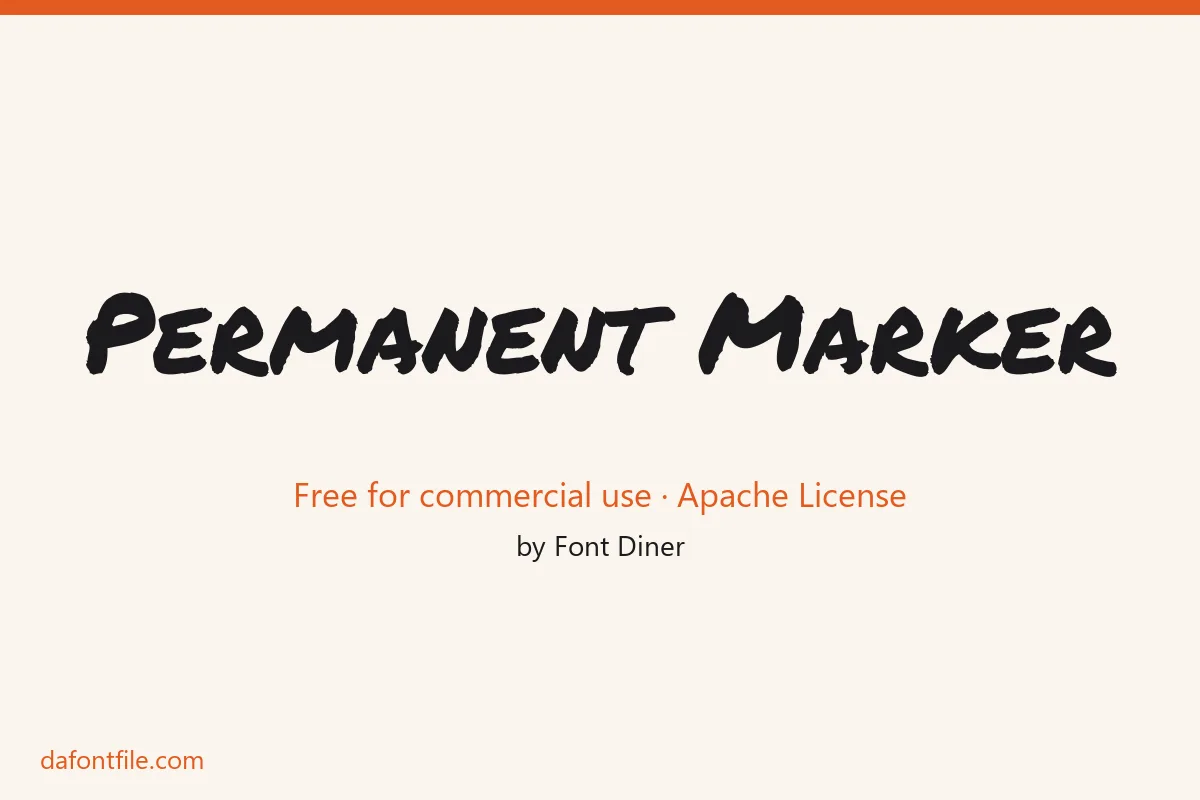
Permanent Marker looks like it was written with a fat felt-tip marker. Its strokes are thick but slightly rough, so cut it at a moderate size and use a fresh blade to keep the edges clean. It suits casual quotes, “Field Trip Crew” shirts, and anything meant to feel hand-drawn.
License: Free for commercial use | View Permanent Marker
10. Pacifico
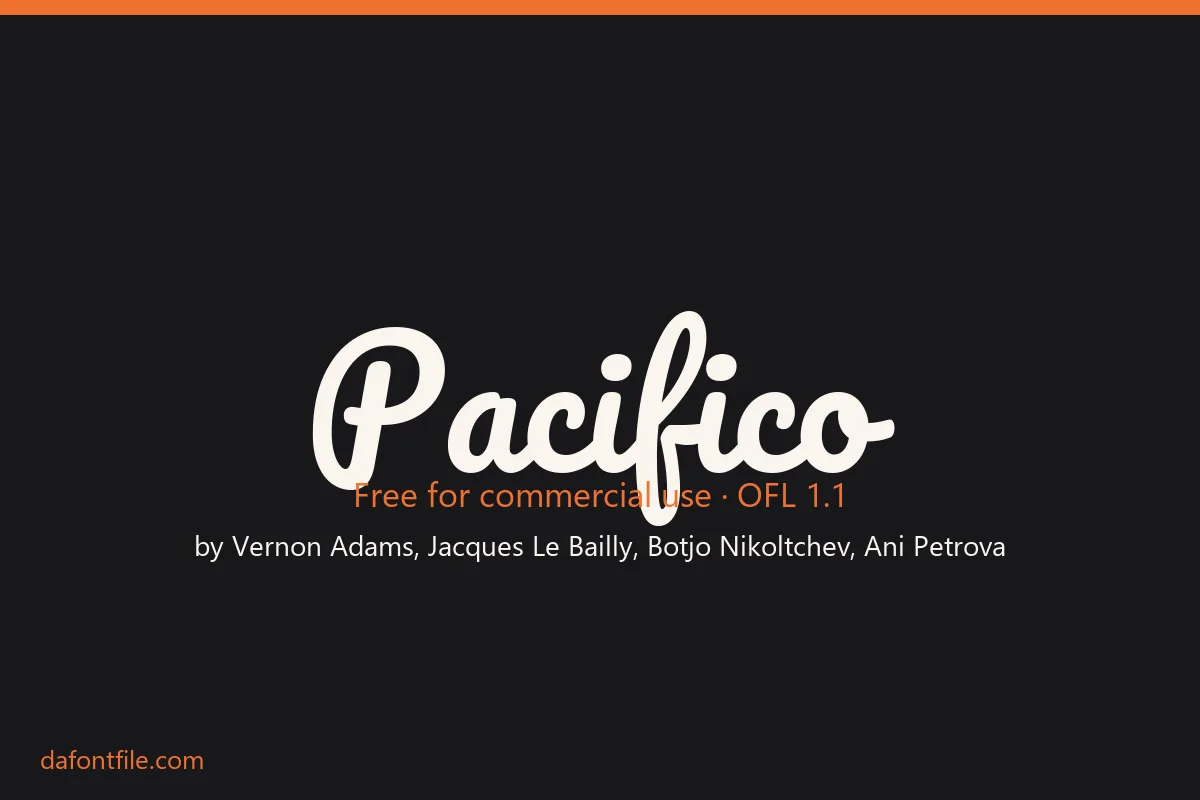
Pacifico is a bold, connected brush script with a surf-shop feel. Its strokes are much thicker than most scripts, which makes it one of the best script fonts for Cricut shirts. Weld the word before cutting. It looks great on bachelorette shirts, beach trip tees, and name shirts.
License: Free for commercial use | View Pacifico
11. Lobster Two
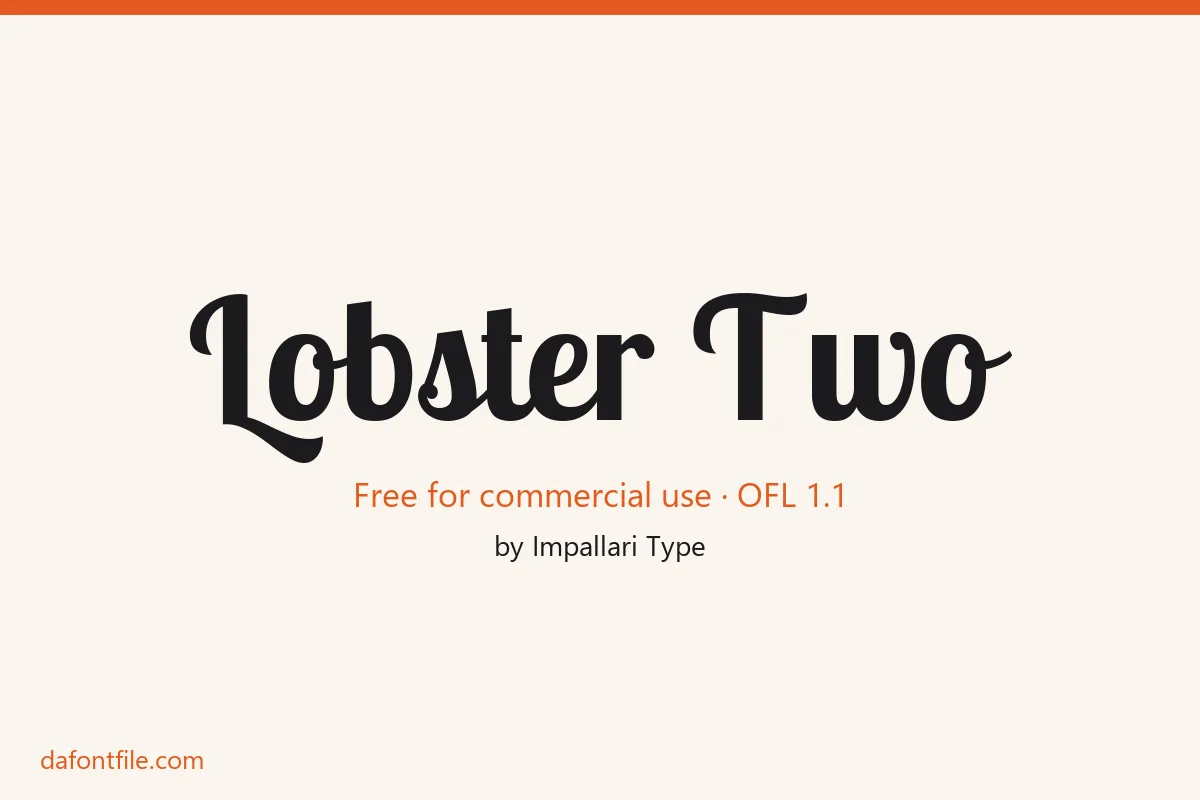
Lobster Two is a connected script with a Bold style that is solid enough for vinyl. The letters overlap slightly, so ungroup, adjust spacing if needed, then Weld so the word cuts as one piece. Use it for “Mama” or “Grandma” shirts, bakery staff tees, and retro diner themes.
License: Free for commercial use | View Lobster Two
12. Abril Fatface
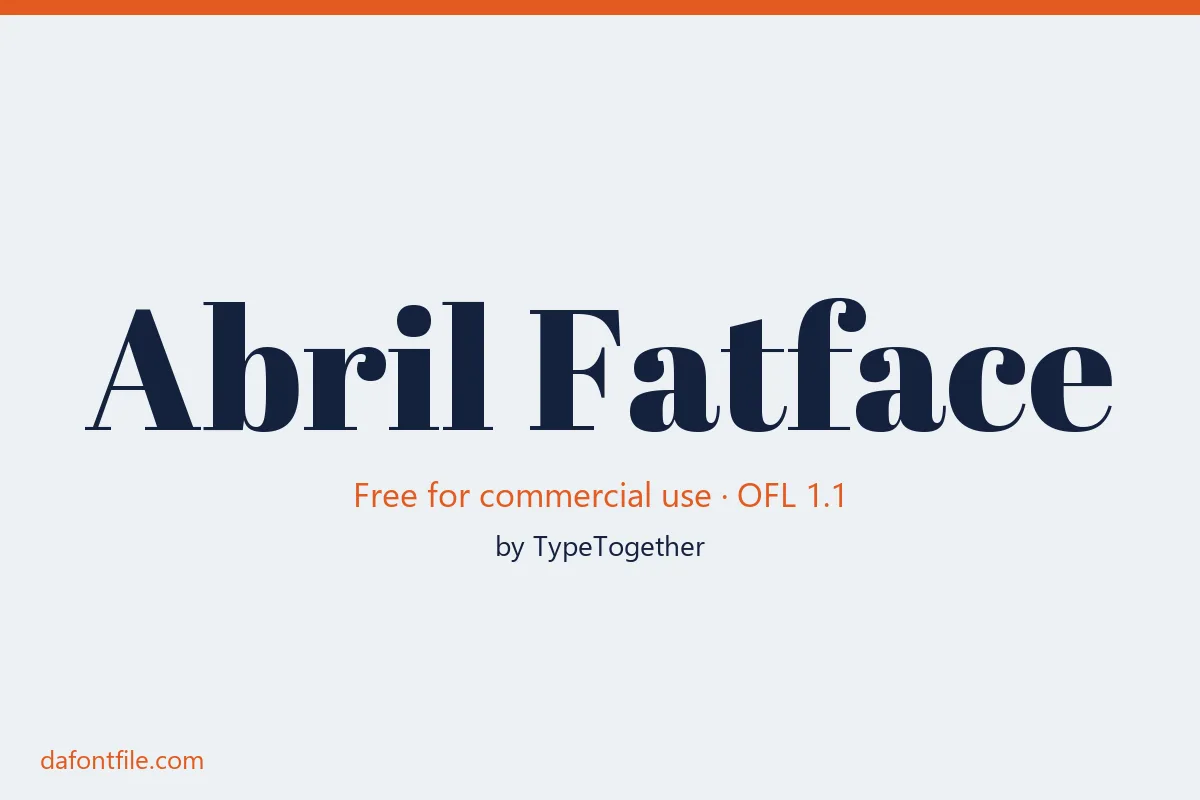
Abril Fatface is a high-contrast display serif: very thick main strokes with thin hairlines and serifs. Keep it large, around 1.5 inches or taller for capitals, so the thin parts survive weeding. Used that way, it is one of the most stylish fonts for Cricut shirts, giving boutique shirts and bold one-word designs a magazine-style look.
License: Free for commercial use | View Abril Fatface
13. Comfortaa
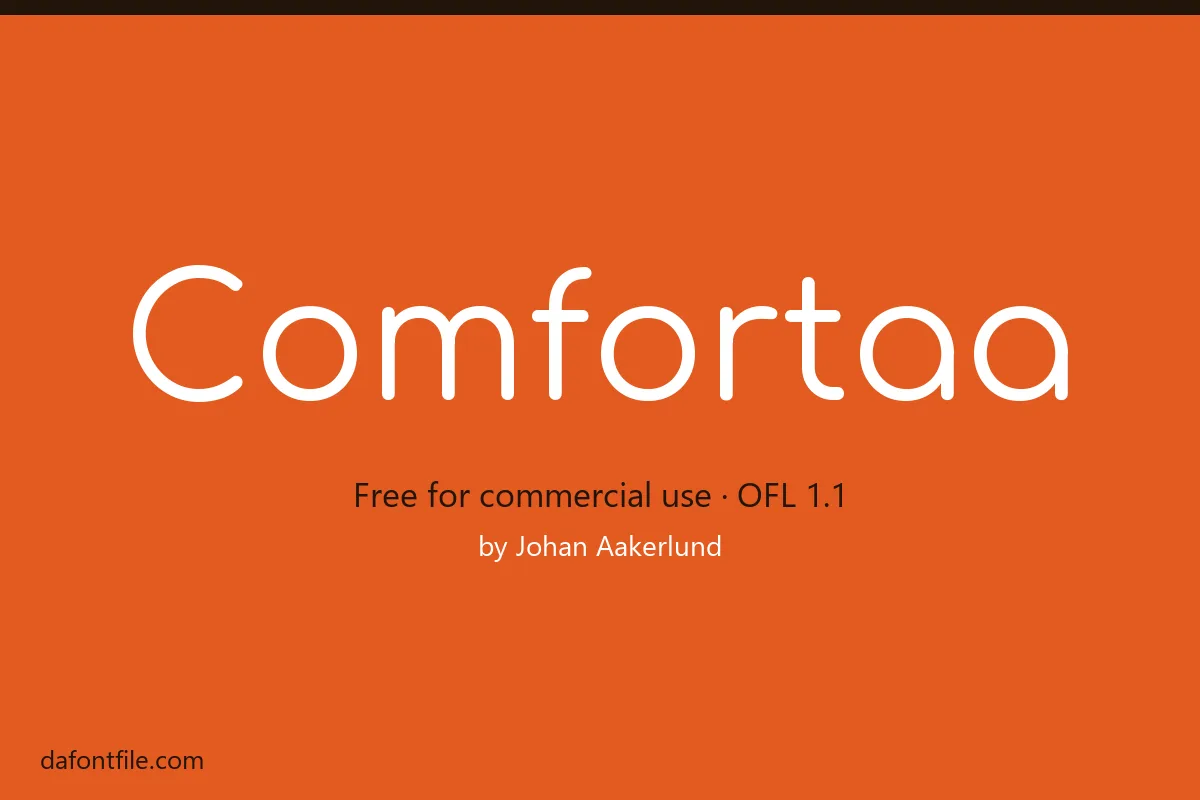
Comfortaa is a rounded geometric sans with soft, circular letters. Use the Bold weight; the light weight is too thin for HTV. The rounded ends press smoothly and have no sharp points that lift after washing. It looks clean on toddler shirts, baby announcement tees, and soft pastel designs in pink, mint, or lavender vinyl.
License: Free for commercial use | View Comfortaa
14. Amatic SC

Amatic SC is a narrow, hand-drawn small-caps font with a farmhouse feel. Its strokes are thin, so use the Bold weight and cut it larger, around 1.25 inches or more, to avoid tearing. It works as an accent line under a bolder word, such as a date or a short “est.” line.
License: Free for commercial use | View Amatic SC
15. Rustic Shine
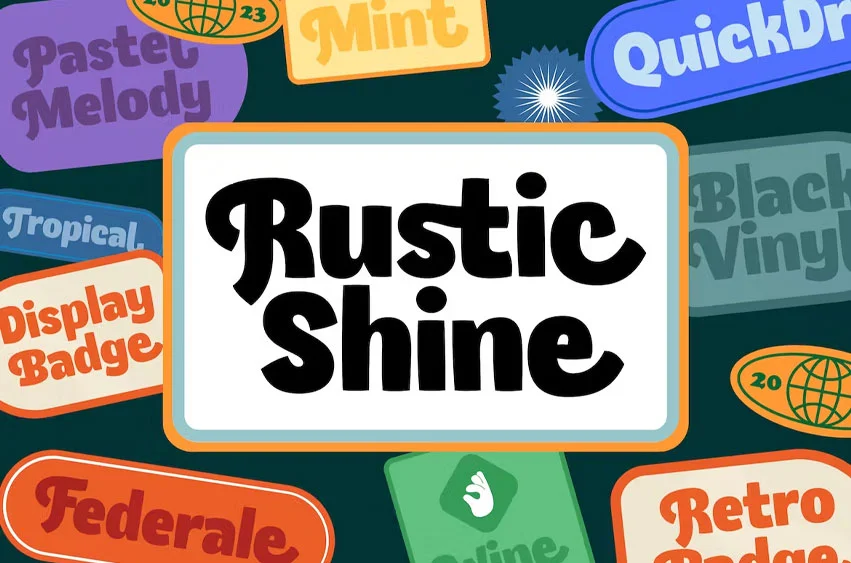
Rustic Shine is a display font with thick, fat, block-like letterforms and a playful retro charm. Those heavy shapes cut cleanly and lay down well on HTV, even in glitter or flock vinyl. Use it for big headline words on retro birthday shirts or a bold family-name tee.
License: Personal use – check license | View Rustic Shine
16. Slob Dough

Slob Dough is a super bold typeface built for headlines and logos. Use the solid version for vinyl; the textured version adds tiny specks that are hard to weed. Its thick strokes make a great base layer for two-color designs, such as a team name with an offset shadow.
License: Personal use – check license | View Slob Dough
17. Zilla

Zilla is a chunky, thick, quirky display font that comes in regular and rounded styles. The rounded version is especially easy to weed because it has no sharp inner corners. It is one of the most playful fonts for Cricut shirts, great for kids’ tees, monster-themed birthdays, and silly sibling sets.
License: Personal use – check license | View Zilla
18. Heavy

Heavy is a fun bold font that its designer lists for t-shirt use, with alternates and ligatures. The weight gives you plenty of material on each letter, so it holds up after washing. Use it for short punchy phrases like “Birthday Squad” or a gym motto across the back.
License: Personal use – check license | View Heavy
19. Campfire
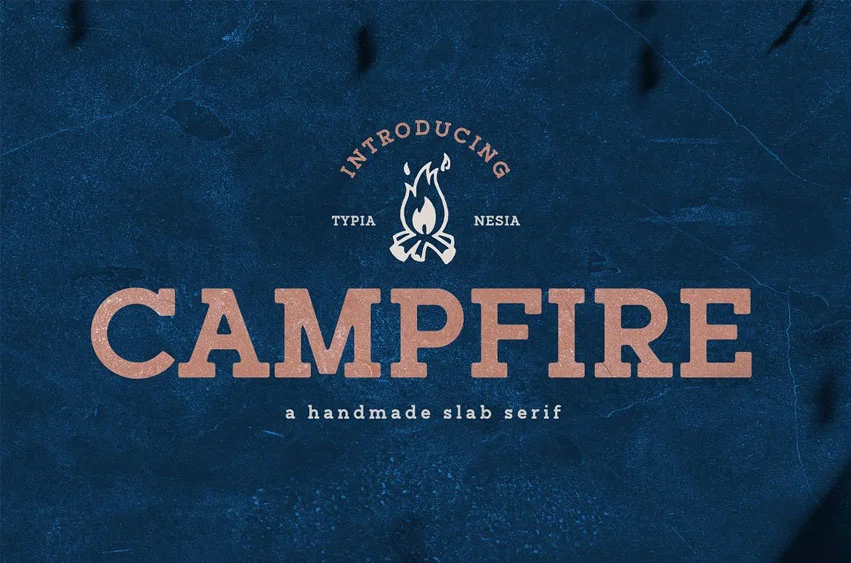
Campfire is a slab serif listed for adventure apparel, badges, and sport design. The sturdy slabs give each letter plenty of vinyl to grip the fabric, so the text stays put after many washes. Its outdoorsy look makes it a natural fit for camping trip shirts, scout troop tees, and family reunion designs with a mountain or pine-tree graphic.
License: Personal use – check license | View Campfire
20. Central Point
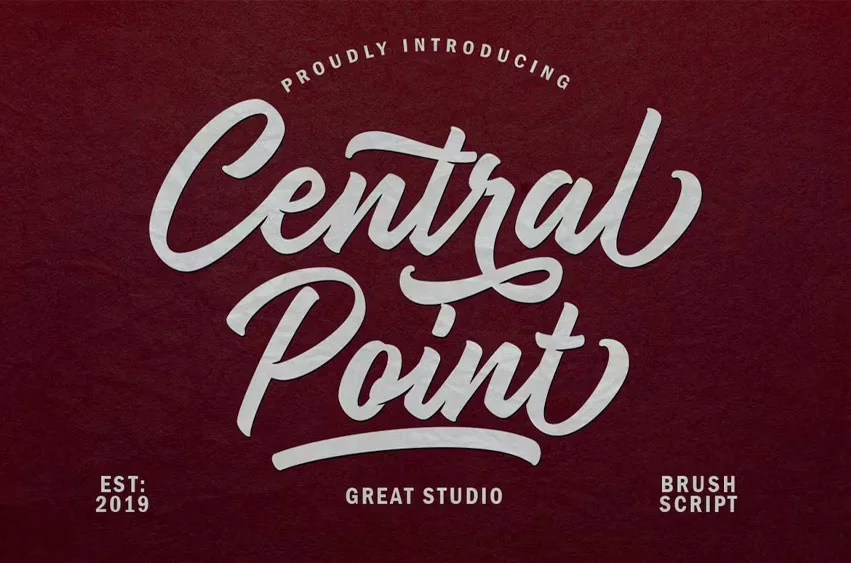
Central Point is a bold handwritten script inspired by hand-lettering, with many lowercase alternates. It is thicker than typical calligraphy fonts, so it cuts well at a medium size. Weld after picking your alternates. It is one of the few handwritten fonts for Cricut shirts that weeds easily. Use it for names, “Mama” shirts, and teacher tees with a personal touch.
License: Personal use – check license | View Central Point
How to add these fonts to Cricut Design Space
- Download the font from its page. Most downloads arrive as a .zip file.
- Unzip the file. Look for the .otf or .ttf file inside the folder.
- Install it. On Windows, right-click the file and choose Install (or Install for all users). On a Mac, double-click the file and click Install Font.
- Fully close Cricut Design Space and open it again. It only loads new fonts on startup, so closing the project window is not enough.
- Add a text box, open the font menu, and filter by System fonts to find your new font quickly.
- For script fonts, select the text and click Weld so the letters cut as one connected piece.
- For multi-color layered designs, line up the layers and use Attach so they keep their position on the mat.
- Before cutting HTV, turn on Mirror for each mat and place the vinyl shiny carrier side down.
Shirt ideas by font style
- Team and sports shirts: Alfa Slab One or Bungee for team names and numbers, with Slob Dough as a shadow base layer.
- Mama and grandma shirts: Pacifico or Lobster Two for the main word, paired with Poppins Bold for kids’ names.
- Teacher shirts: Baloo 2 for a friendly look, or Central Point for a handwritten feel.
- Birthday shirts: Lilita One, Rustic Shine, or Zilla for big, playful age numbers and names.
- Family reunion shirts: Oswald for a stacked surname and year, or Campfire for an outdoorsy badge design.
- Gym and workout shirts: Black Ops One or Heavy for short, punchy mottos.
- Baby and toddler shirts: Comfortaa Bold with an Amatic SC accent line.
- Retro and vacation shirts: Righteous with a sunset graphic, or Permanent Marker for a casual road-trip look.
Premium shirt fonts
If you want fonts for Cricut shirts that match your shop brand and come with a clear commercial license, a paid font can be worth it. Many include bold, outline, and shadow styles that layer well in HTV. You can browse t-shirt fonts on Envato.
More Cricut font guides
FAQ
Can I sell shirts made with these fonts?
Yes for the 14 fonts for Cricut shirts marked Free for commercial use. They are open-source under the SIL Open Font License or Apache License, so you can sell shirts that use them. For the fonts marked personal use, check the license on the font page or buy a commercial license first.
What is the best font size for HTV shirts?
For an adult shirt, main text is usually 9 to 11 inches wide. Keep bold letters at least 0.75 inches tall and thin scripts or condensed fonts at 1.25 inches or taller, so every part of each letter can be weeded without tearing.
Why does my script font cut into separate letters?
Design Space treats each script letter as its own shape. Select the text, adjust the letter spacing so the letters overlap where they connect, then click Weld. The word will cut as one solid piece instead of many small ones.
Why is my new font not showing in Cricut Design Space?
Design Space only loads fonts when it starts. Make sure the font is installed on your computer, then fully quit Design Space and reopen it. Use the System filter in the font menu to find it faster.


Leave a comment