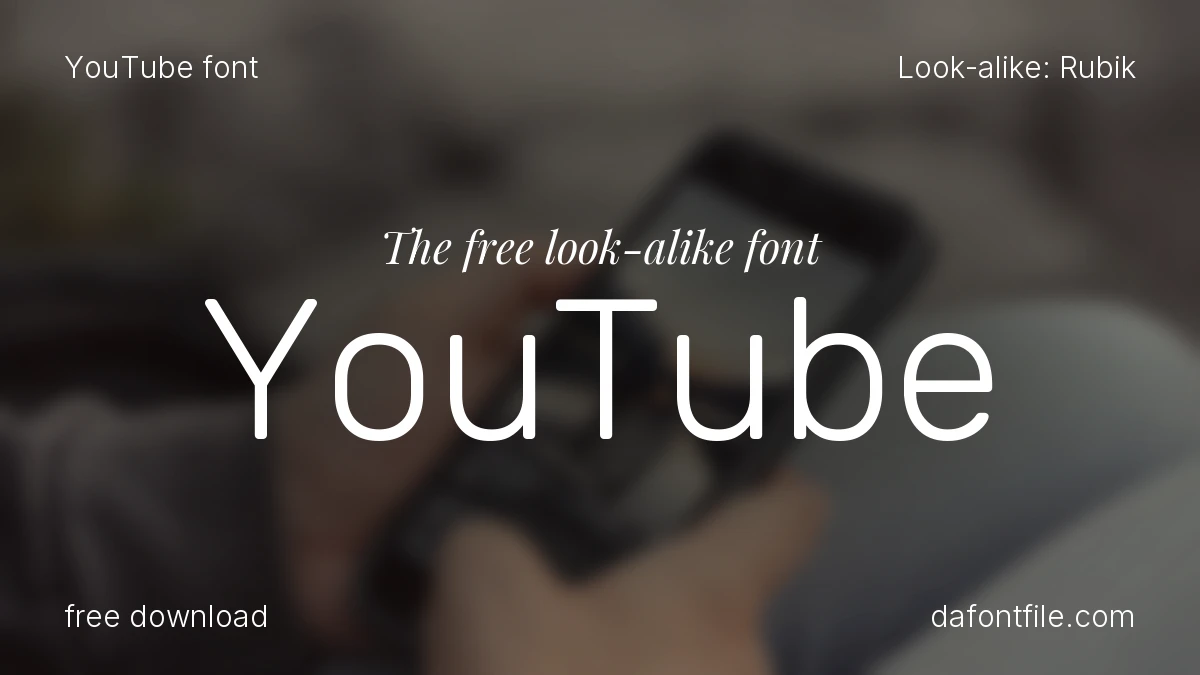
The YouTube font is a custom bold sans-serif, and many people search for it when they want to design a channel banner or thumbnail. The real typeface is not for sale, but a free look-alike gets you very close. This page shows you which free font to use and how to set it up.
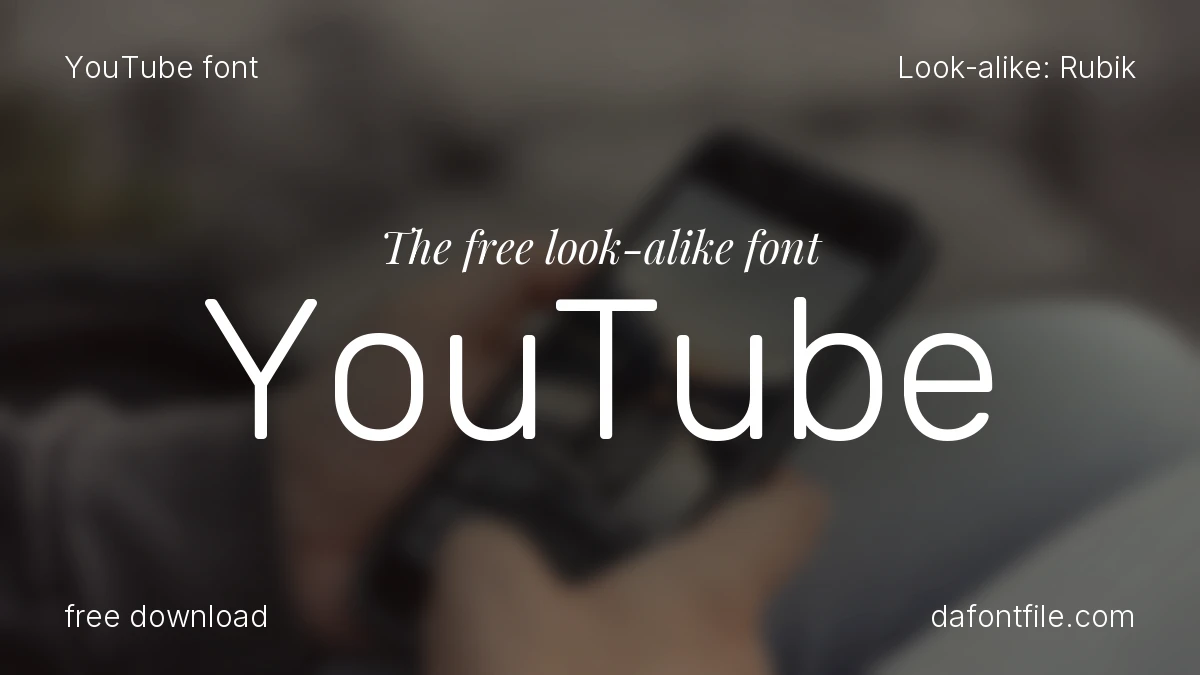
What Font Does YouTube Use?
YouTube font: YouTube Sans (custom logo lettering). The current wordmark follows YouTube Sans, a custom brand typeface released in 2017, and the logo lettering is a modified version of it. It is proprietary to YouTube, so you cannot license it for your own projects.
The YouTube wordmark is set in mixed case, with a capital Y and T. The letters are bold, wide and slightly squared, with rounded corners that match the play button. It sits next to a red rounded rectangle with a white triangle, and the text is usually dark gray or white.
The 2017 redesign introduced YouTube Sans, a brand typeface developed with the agency Saffron and inspired by the play button shape. Before that, the 2005 logo used lettering based on Alternate Gothic. YouTube Sans is a proprietary brand font, so it is not available under a free license.
Thumbnails and banners are where most people use this style. Keep the text large, because YouTube thumbnails are viewed at small sizes on phones. Bold weights and strong contrast work best, so avoid thin weights. If you add a play button, keep its corners rounded and its red flat, without gradients, to match the real brand.
Free YouTube Font Alternative: Rubik
Rubik is a bold sans with softly rounded corners and sturdy proportions, which is close to the friendly, slightly squared feel of the YouTube wordmark. Rubik is a Google Font released under an open license, so it is free for personal and commercial projects.
More Free Look-Alikes for the YouTube Font

- Figtree: A clean geometric sans with similar open letter shapes at bold weights.
- Poppins: Round, even strokes that echo the logo’s circular bowls.
How to Recreate the YouTube Text Style
- Open Canva or Photoshop and type YouTube in Rubik Bold or ExtraBold, keeping the capital Y and T.
- Set the text color to dark gray #282828 on a light background, or white #FFFFFF on dark.
- Add a little positive letter spacing, about 0 to 20, so the letters breathe like the original.
- Place a red #FF0000 rounded rectangle with a white play triangle next to the text for the full look.
YouTube Font FAQ
What font does the YouTube logo use?
The logo uses lettering based on YouTube Sans, a custom typeface made for the brand in 2017. It is not sold to the public.
Is there a free YouTube font?
The official font is proprietary. Rubik from Google Fonts is a free, commercial-friendly look-alike, but it is not the official YouTube typeface.
What font did the old YouTube logo use?
The 2005 to 2017 logo used lettering based on Alternate Gothic, a condensed sans from the early 1900s.
YouTube and its logo are trademarks of their respective owners. DaFont File is not affiliated with them. This page identifies the typeface for reference and offers free, openly licensed look-alike fonts only.



Leave a comment