

Sakena Font elegant and stunning script font. It features a vintage style and will add a unique feel to your upcoming projects. Get inspired by its authentic feel and use it to create gorgeous wedding invitations, beautiful stationary art, eye-catching social media posts, and elegant greeting cards.
CONTAINS
- Basic Latin A-Z and a-z, Numbers, and Punctuation
- 127 glyphs & 57 languages
- Simple installations
- Fully accessible without additional design software.
- Accessible in Adobe Illustrator, Adobe Photoshop, Adobe InDesign, and even work on Microsoft Word.
- Works on PC & Mac
THIS PACKAGE INCLUDES
- Sakéna Handwriting Font (TTF)
- Sakéna Handwriting Font (WOFF)
- Readme font pairing on preview (Links included)
Sakena Font Preview
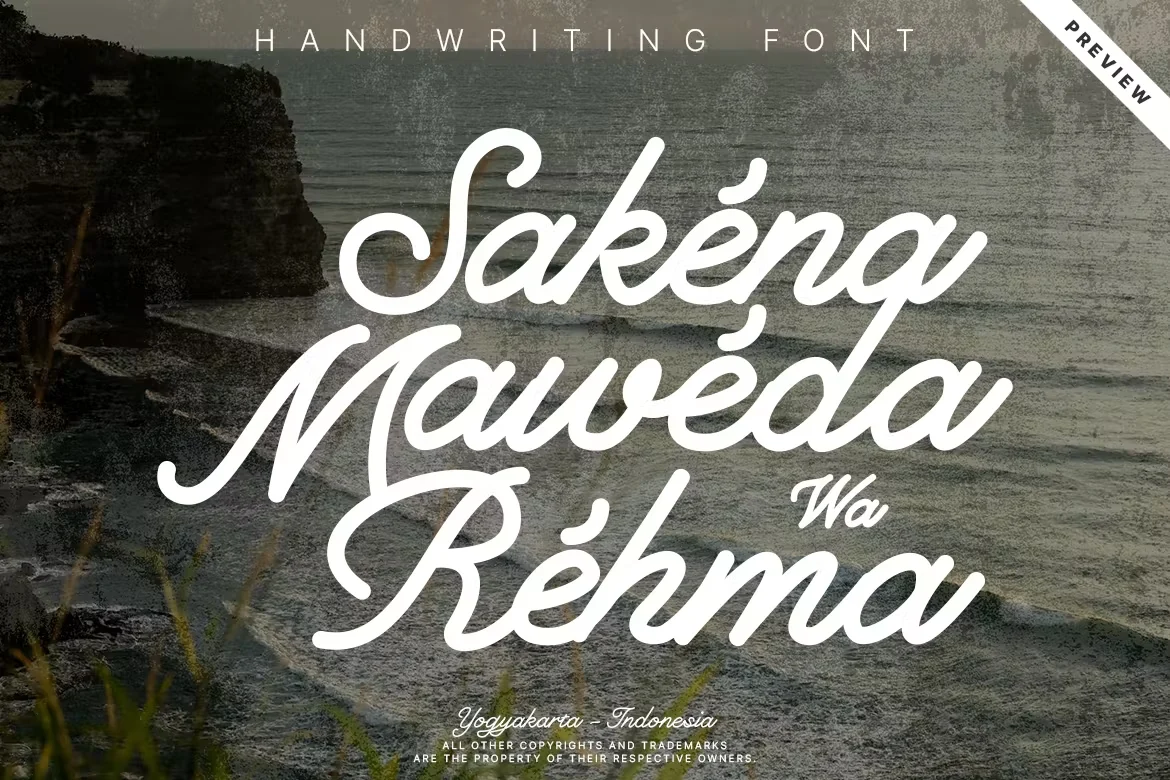
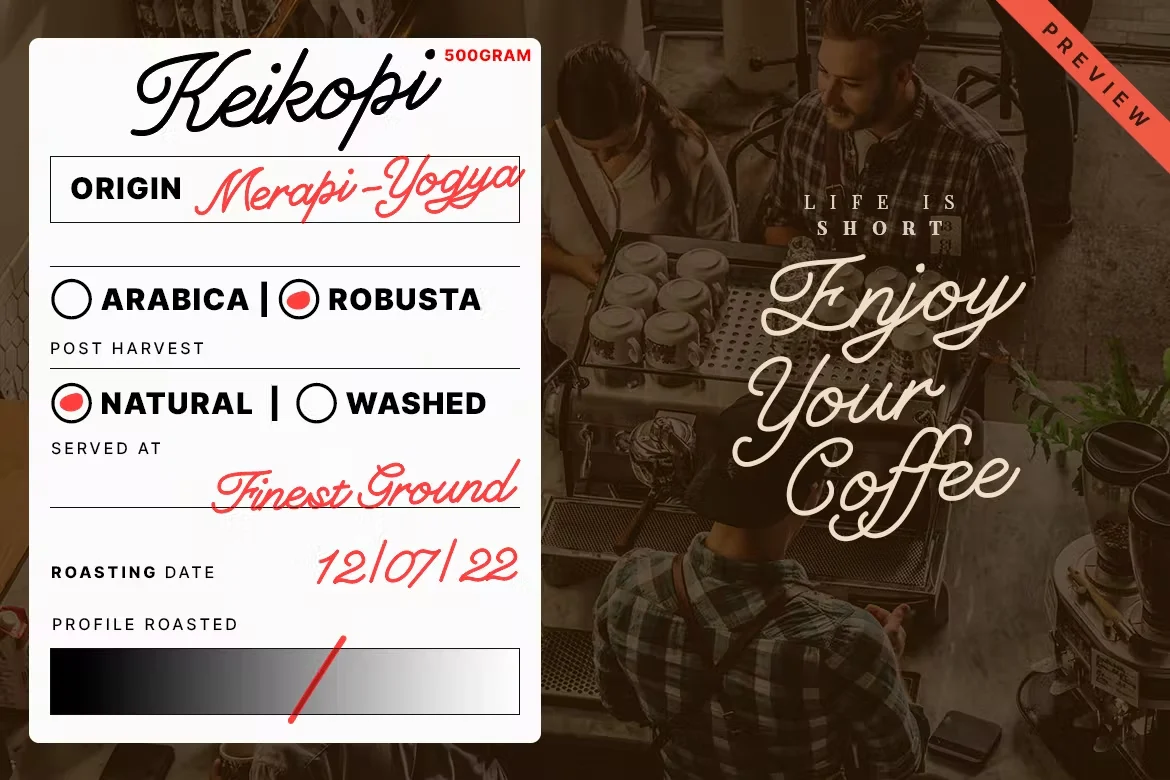

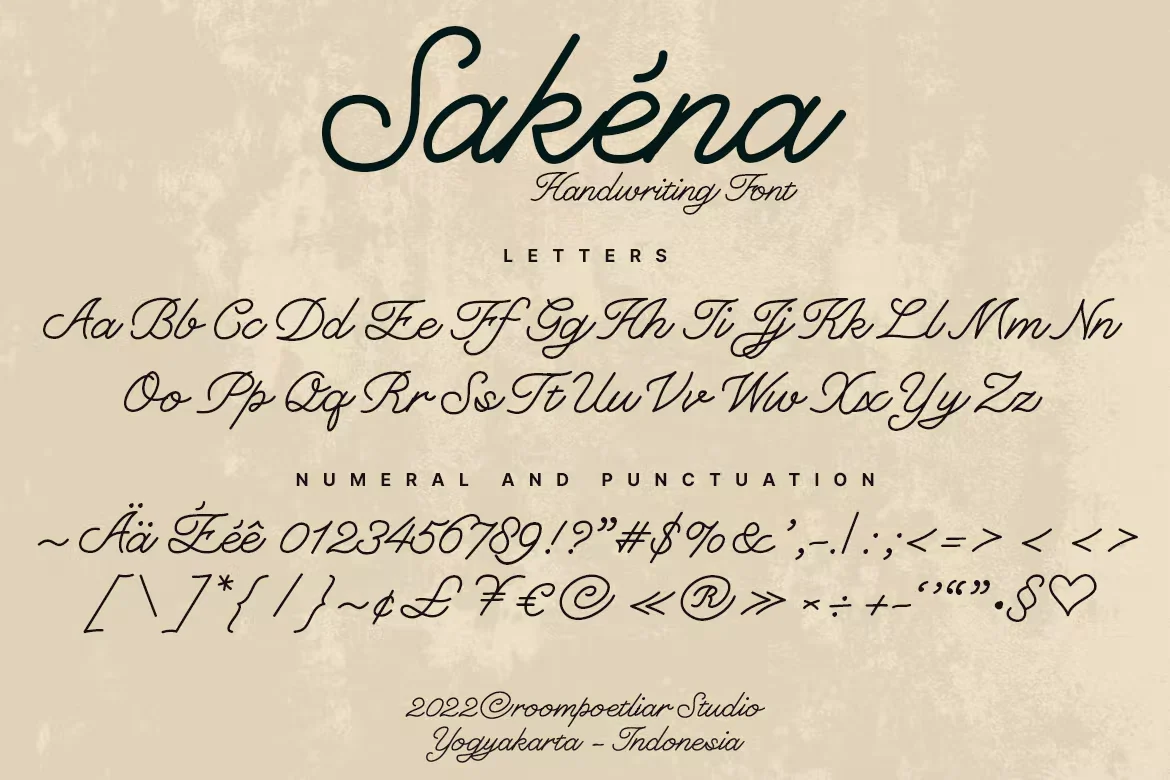
About the Sakena Font
Sakena is a script font with an elegant, vintage character, aimed at wedding invitations, stationery, social posts and greeting cards.
The listing is specific: it contains Basic Latin letters A to Z and a to z, numbers and punctuation, with 127 glyphs covering 57 languages. The package has TTF and WOFF files, a readme with font pairing suggestions and links, and works on PC and Mac in programs like Illustrator, Photoshop, InDesign and Word. Keep expectations aligned with the character set: it covers basic Latin letters, so it is made for English-style text and many other languages written with these letters rather than for large alphabets.
Best Uses for Sakena
Wedding stationery, greeting cards, handwritten-style quotes and social media posts are the suggested uses. Scripts need room, so avoid all-caps and keep lines short. The readme includes pairing ideas, which makes picking a partner font easier.
Sakena Font FAQ
Is Sakena free for commercial use?
Nothing on the page confirms commercial rights. Check the license file that comes in the download first, and only use it on paid work if that file allows it.
Does Sakena work in Microsoft Word?
Yes, the listing says it works in Word, as well as Illustrator, Photoshop and InDesign, on PC and Mac. Install the TTF, restart your program, and choose Sakena from the font list.




Leave a comment