
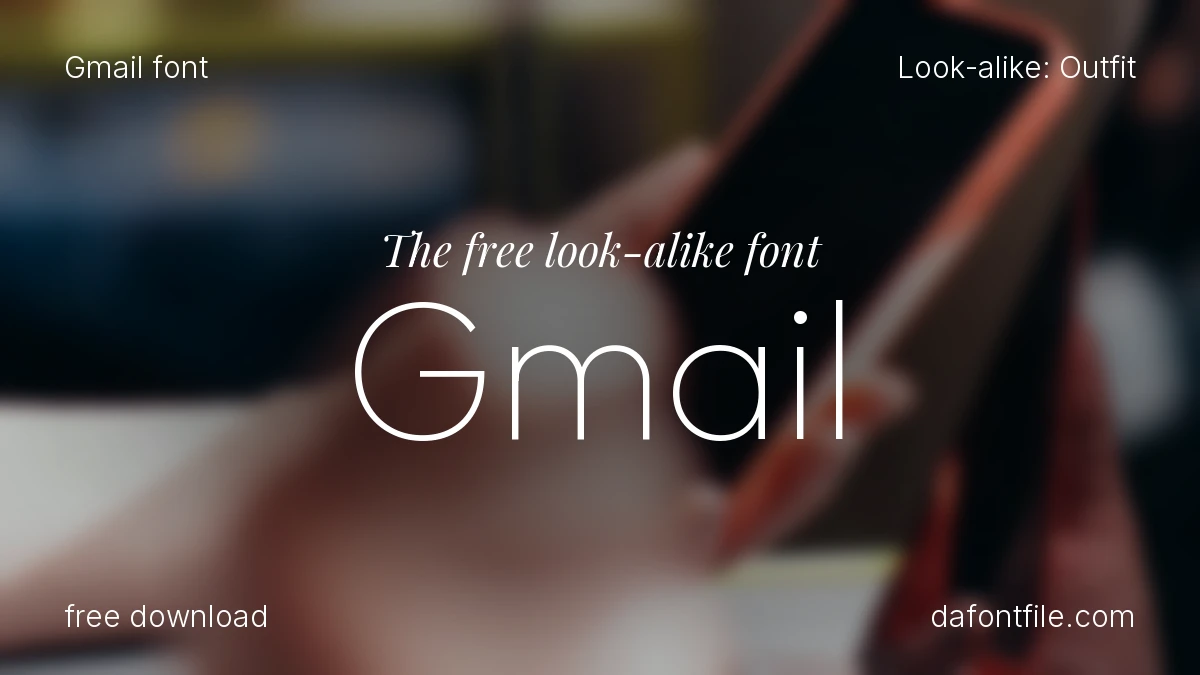
The Gmail font in the current logo is Google’s Product Sans, which Google does not license for general use. Outfit is a free look-alike. This page covers what Gmail really uses, who made it, and how to recreate the look for free.
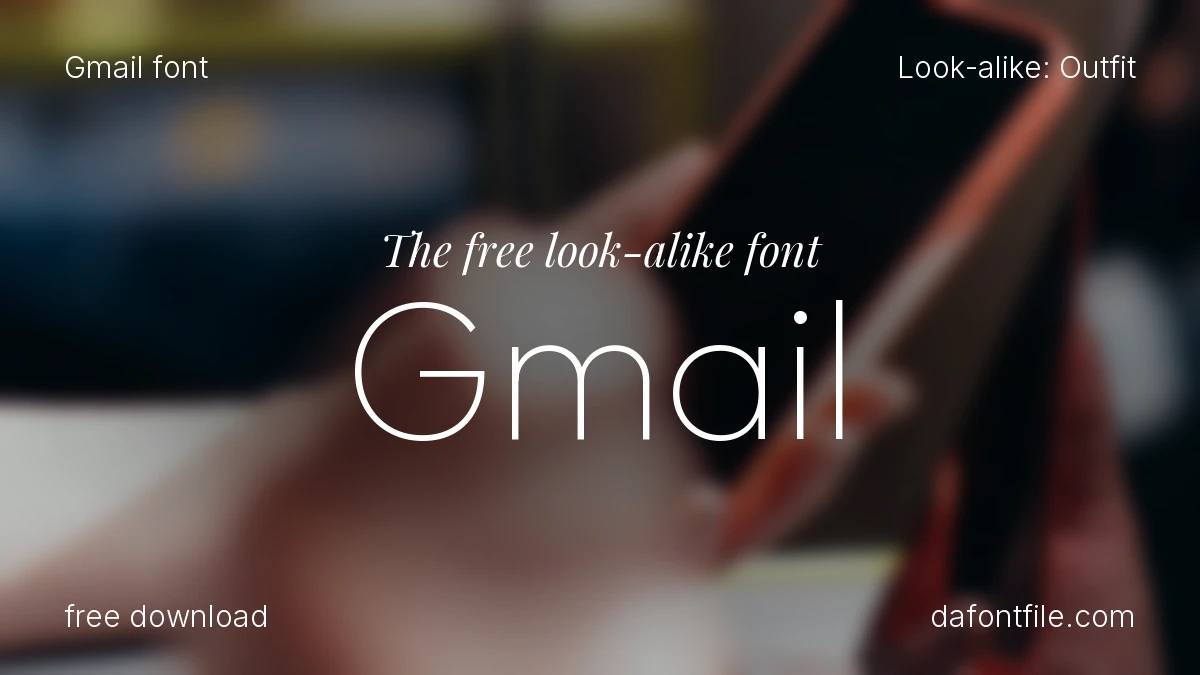
What Font Does Gmail Use?
Gmail font: Product Sans / Google Sans (custom). The current Gmail wordmark uses Google’s own typeface, Product Sans, which is a proprietary brand font. Earlier Gmail logos used other lettering.
The Gmail wordmark is simple: the word Gmail in a friendly, rounded geometric sans, placed next to the envelope M icon. The letters are even in weight and have open shapes, which keeps it easy to read at small sizes. The same look appears across other Google apps such as Drive and Calendar, so you can reuse the style for other parts of your design.
The wordmark uses Product Sans, a typeface Google created for its brand. A related typeface, Google Sans, is used across Google products. Some older sources cite Catull and Myriad for earlier logos. Product Sans is proprietary, so use a look-alike for your own designs. For emails and mockups, a simple friendly sans is enough. Keep text dark gray, avoid heavy weights, and use plenty of white space, which is the feel of the Google interface overall.
Free Gmail Font Alternative: Outfit
Outfit is a clean geometric sans with round bowls and open shapes, close to the friendly look of Google’s brand type. Outfit is a Google Font released under an open license, so it is free for personal and commercial projects.
More Free Look-Alikes for the Gmail Font

- Figtree: A friendly sans with similar round forms.
- Poppins: A geometric sans with a familiar, clean look.
How to Recreate the Gmail Text Style
- Type Gmail in title case, with a capital G, using Outfit Regular.
- Use dark gray #5F6368 for the text, as in the Gmail wordmark style.
- Keep letter spacing at default.
- Add the four-color red, blue, yellow, green accents only if you are making a parody or mockup.
- Export the Gmail style text as a PNG with a transparent background at 2000 px wide, so it stays sharp on shirts, posters, and thumbnails.
Gmail Font FAQ
What font does Gmail use?
The wordmark uses Product Sans, Google’s custom brand typeface. Treat any font name as a lead, and check the foundry page before using a commercial font in paid work.
Is there a free Gmail font?
Outfit from Google Fonts is a free look-alike for commercial use. It is not the official brand font. Use the Regular or Medium weight for the closest match to the wordmark. Download it from Google Fonts, then install it for use in Canva, Figma, or Photoshop. Use the real logo only for editorial or reference use, not in your own branding.
Is Google Sans the same as Product Sans?
They are closely related. Google Sans is used in products, while Product Sans is used in the logo.
Gmail and its logo are trademarks of their respective owners. DaFont File is not affiliated with them. This page identifies the typeface for reference and offers free, openly licensed look-alike fonts only.



Leave a comment