
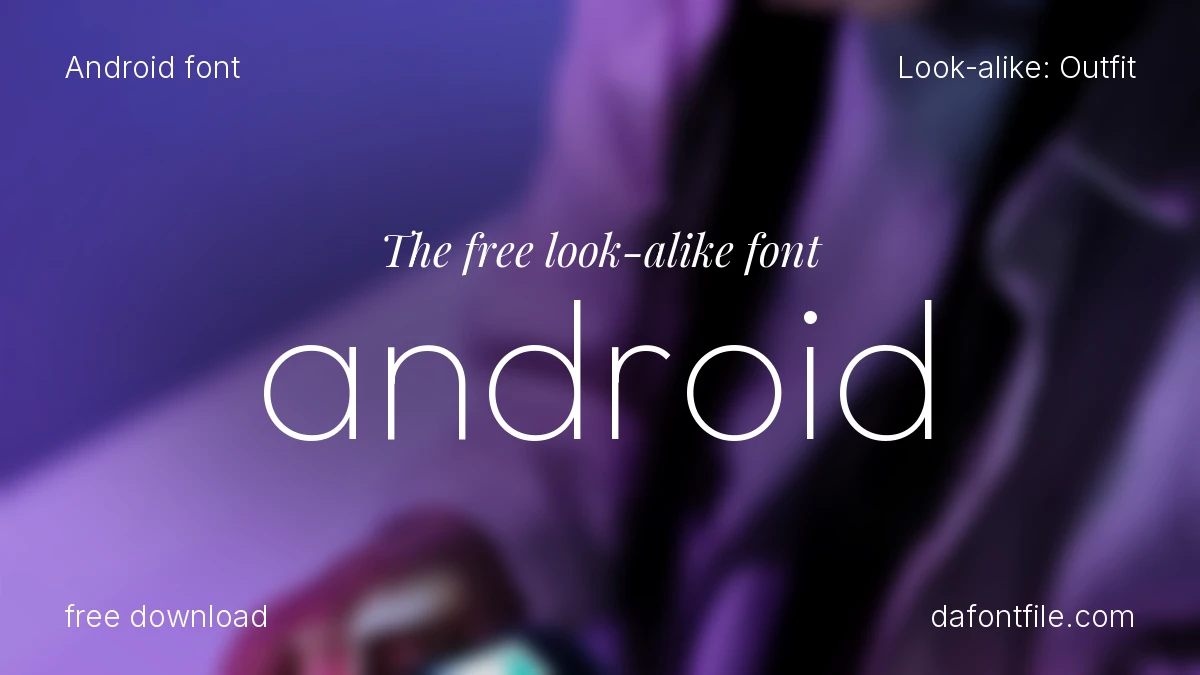
The Android font is a lowercase geometric sans wordmark. It is custom lettering, not a retail font. A free Google Fonts look-alike gives you the same clean, modern look.
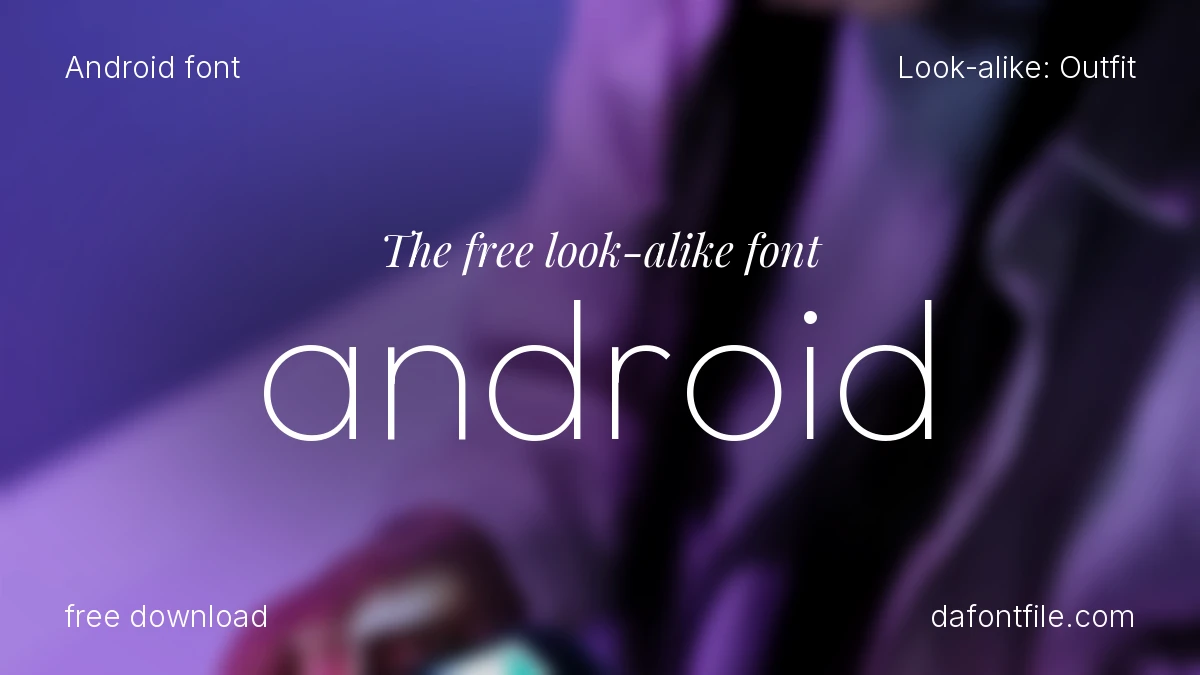
What Font Does Android Use?
Android font: custom lettering (geometric sans). The Android wordmark is custom lettering. Sources compare the current one to Euclid-style geometric fonts and to Google’s own typefaces, which are not freely licensed as logo fonts.
The current Android logo uses lowercase letters with round, simple shapes and even spacing. It pairs the wordmark with the green robot head. The older logo used a more angular, techy custom style.
One font site says the newer wordmark is based on Euclid by Swiss Typefaces and offers a replica called Android by Isaac K. Others compare it to Google’s own geometric sans. I could not confirm an official font, so treat these as visual comparisons. Look-alike fonts are the safest option for your own work.
The wordmark has changed over the years. The older logo used a more angular, technical style, while the current one uses softer lowercase letters. If you want a retro Android look, an angular techy font will fit better than a rounded one. For the modern look, stay with a geometric sans, lowercase text, and the Android green on white. The robot mascot is a protected logo, so draw your own icon if you need one.
Free Android Font Alternative: Outfit
It is a clean geometric sans with round shapes close to the modern wordmark. Outfit is a Google Font released under an open license, so it is free for personal and commercial projects.
More Free Look-Alikes for the Android Font

- Jost: A geometric sans in the Futura tradition.
- Urbanist: A modern, rounded geometric sans with a clear lowercase.
How to Recreate the Android Text Style
- Type android in all lowercase with Outfit.
- Use the Android green, such as #3DDC84, for the text, or use dark gray (#202124) on white.
- Set the weight to Medium and letter spacing to 0 to +10.
- Place a simple robot icon beside the text, drawn by you, if you need a logo feel.
- Export the result as a PNG at twice the size you need, then zoom out to check that the text still reads clearly at small sizes before you publish it.
Android Font FAQ
What font does Android use?
It appears to be custom lettering. Fan sources compare it to Euclid or to Google’s geometric typefaces, which is not confirmed.
Is there a free Android font?
Yes, as a look-alike. Outfit is free on Google Fonts under the OFL license and can be used commercially. Download the Google Fonts zip from this page and install it before you open Canva or Photoshop.
What color is the Android logo green?
The Android green is commonly given as #3DDC84. Check Google’s brand page if you need an exact value.
Android and its logo are trademarks of their respective owners. DaFont File is not affiliated with them. This page identifies the typeface for reference and offers free, openly licensed look-alike fonts only.


Leave a comment